01
It costs you zero keystrokes
No hotkey, no dialog, no app to open. ScreenSage watches the folders you pick and works on new captures as they land. Files already sitting there stay untouched unless you ask.
macOS menu bar app · Private beta
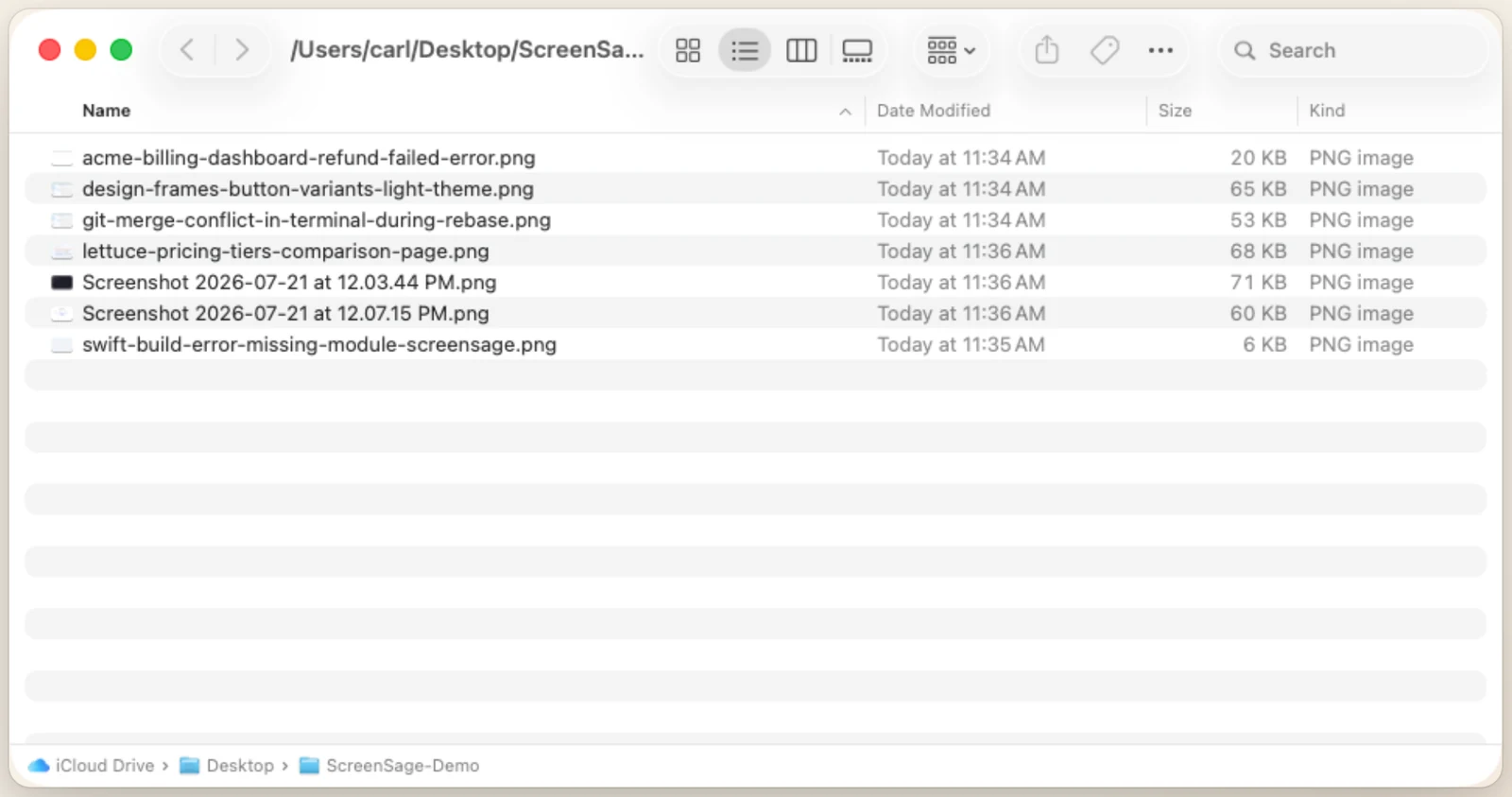
You take a screenshot. About two seconds later it stops being Screenshot 2026-07-21 at 11.34.10 AM.png and becomes acme-billing-dashboard-refund-failed-error.png. You didn't press anything. You never opened an app. Six months from now you'll type "refund" and find it.
ScreenSage
Screenshot 2026-07-21 at 11.15.03 AM.png
acme-billing-dashboard-refund-failed-error.png
Screenshot 2026-07-21 at 10.02.44 AM.png
git-merge-conflict-in-terminal-during-rebase.png
Screenshot 2026-07-21 at 11.44.30 AM.png
swift-build-error-missing-module-screensage.png
Screenshot 2026-07-21 at 9.41.12 AM.png
design-frames-button-variants-light-theme.png
Screenshot 2026-07-21 at 11.46.00 AM.png
lettuce-pricing-tiers-comparison-page.png
Why it sticks
01
No hotkey, no dialog, no app to open. ScreenSage watches the folders you pick and works on new captures as they land. Files already sitting there stay untouched unless you ask.
02
It reads the image — the error text, the app you were in, what's on screen — and writes a short, specific filename. Those names are what Finder and Spotlight search, so "merge conflict" finds the merge conflict.
03
Point it at Ollama and every rename happens on your own hardware, free and unlimited. Prefer the cloud? It sends a 512-pixel copy for naming and nothing else. Your original file is never uploaded and never edited.
04
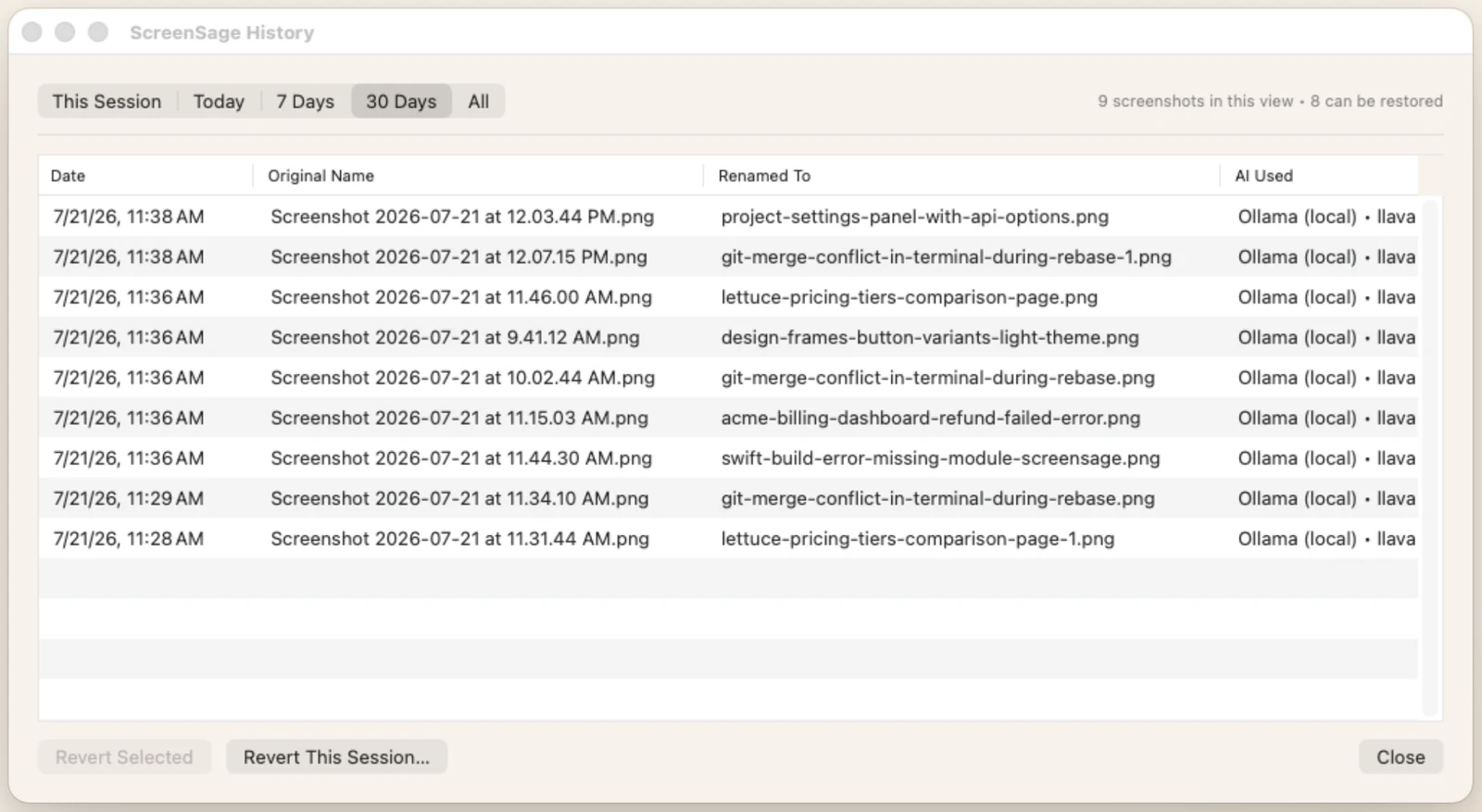
Every rename is written to a searchable history with the original filename kept. Undo the last one from the menu bar, or revert an entire session. ScreenSage is a guest in your folders, not an owner.
What it looks like
Privacy & file safety
Originals are never uploaded
When you use a cloud model, ScreenSage sends a downscaled 512-pixel copy for naming and discards it. The original never leaves your Mac and is never modified — only its name changes.
A fully offline path
Choose Ollama and no network call happens at all. Same renames, same history, nothing transmitted. There's also an experimental on-device option on macOS 26.
Every rename is reversible
History keeps the original name for each file. Undo the last rename in one click, revert a selection, or roll back everything from this session.
No account. No sign-in. No tracking.
There is no login anywhere in the app because there's no server to log in to. It asks for one thing: read-write access to the folders you choose.
Pricing
Included credits
Free
500 screenshots to start
Credit packs
$0.99 → $5.99
500 · 2 000 · 5 000 screenshots
Your own model
Free → your cost
Ollama, Gemini, OpenAI, OpenRouter
Private beta
It's in private beta while we finish App Store review and the direct release. It's a real, working app — we use it every day — but we're letting people in a handful at a time so we can actually answer everyone. Email us and we'll add you. macOS 14 Sonoma or later, Apple Silicon and Intel.
FAQ
Not yet — it's private beta. Email [email protected] and we'll send you a build. We're keeping the group small on purpose so support stays fast and we can act on what people tell us.
Only if you choose a cloud model, and even then only a 512-pixel copy used to write the name — never the original file. Choose Ollama and nothing leaves your Mac at all.
Undo it. Every rename is logged with the original filename, so you can revert the last one from the menu bar or roll back a whole session from History. Nothing is destructive.
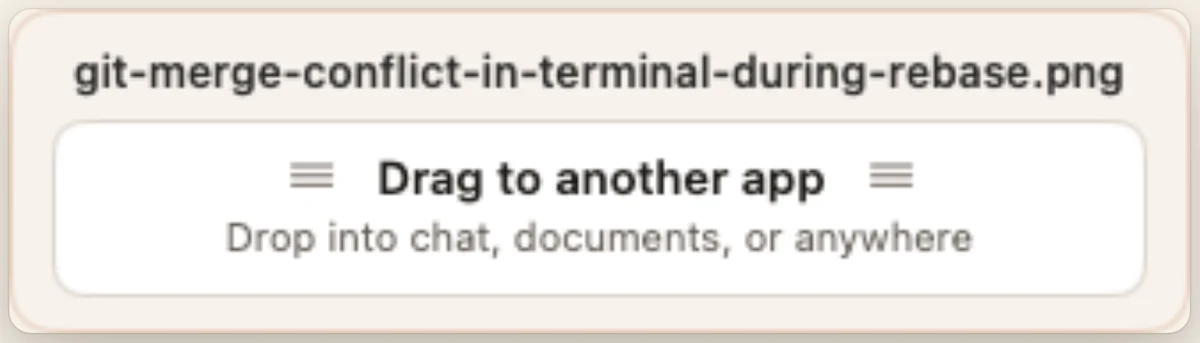
No. It lives in the menu bar with no Dock icon and no window. Most days the only time you'll see it is the little card that appears after a rename.
About two seconds from capture to renamed file. If you paste a burst of fifty screenshots in, it paces itself instead of flooding the model.
The beta is free and includes credits for 500 screenshots. After that: a one-time credit pack from $0.99, your own provider key, or local Ollama for free. There's no subscription and there never will be. The plan is $19.99 once at 1.0 — beta testers keep the app.